HorrorScreenFX
A downloadable asset pack
HorrorScreenFX for Godot 4
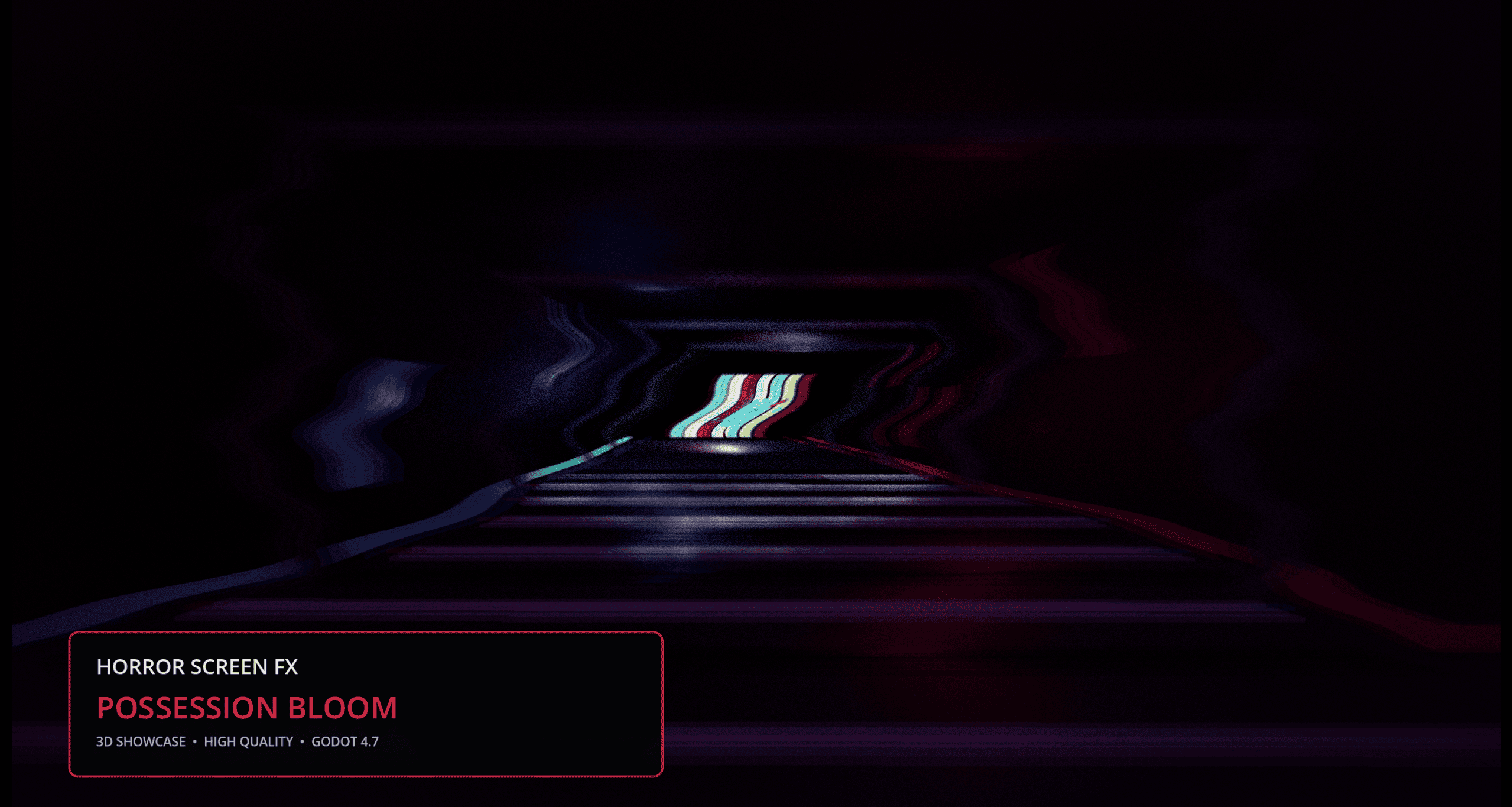
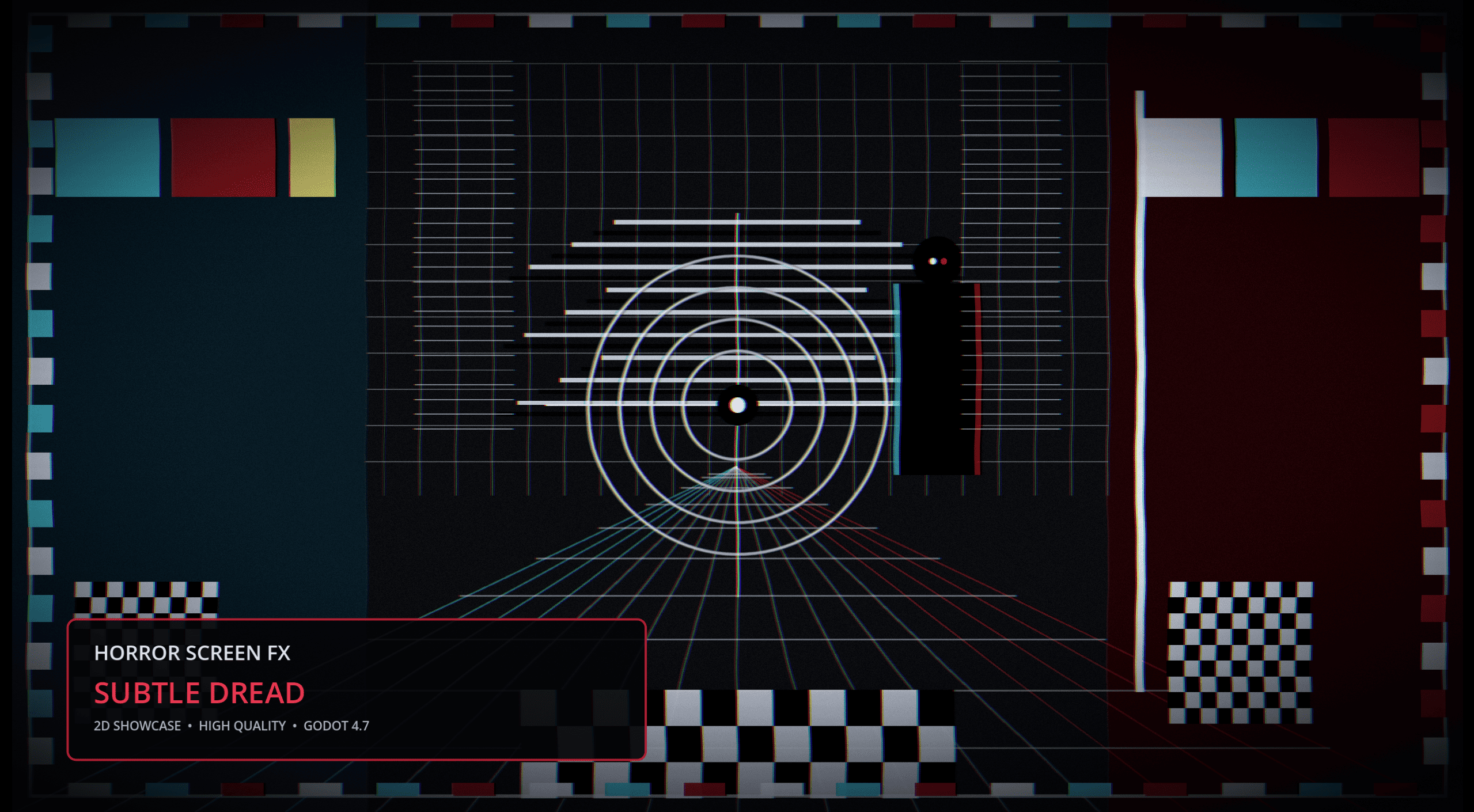
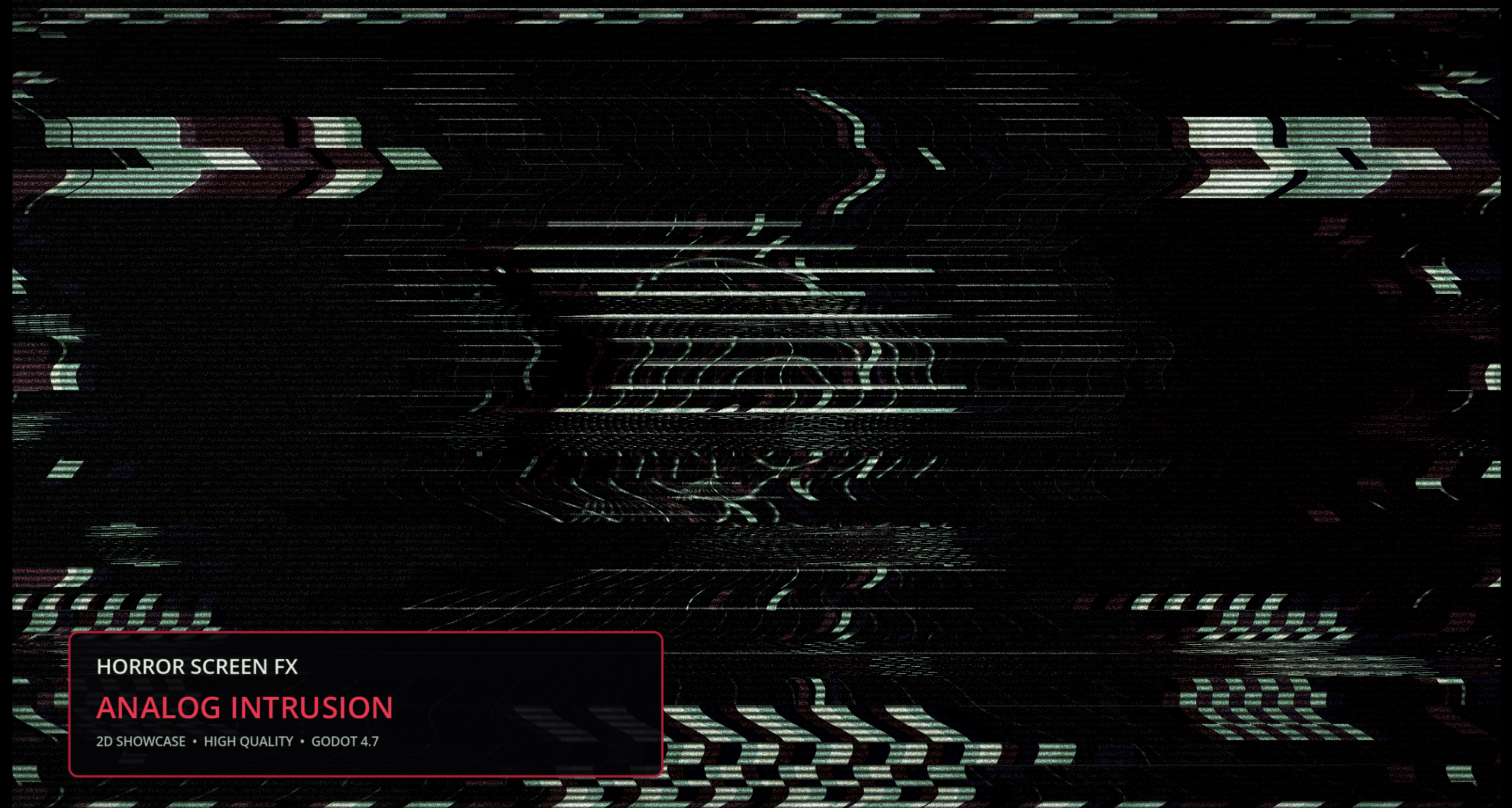
HorrorScreenFX is a complete full-screen horror effects add-on designed for Godot 4.
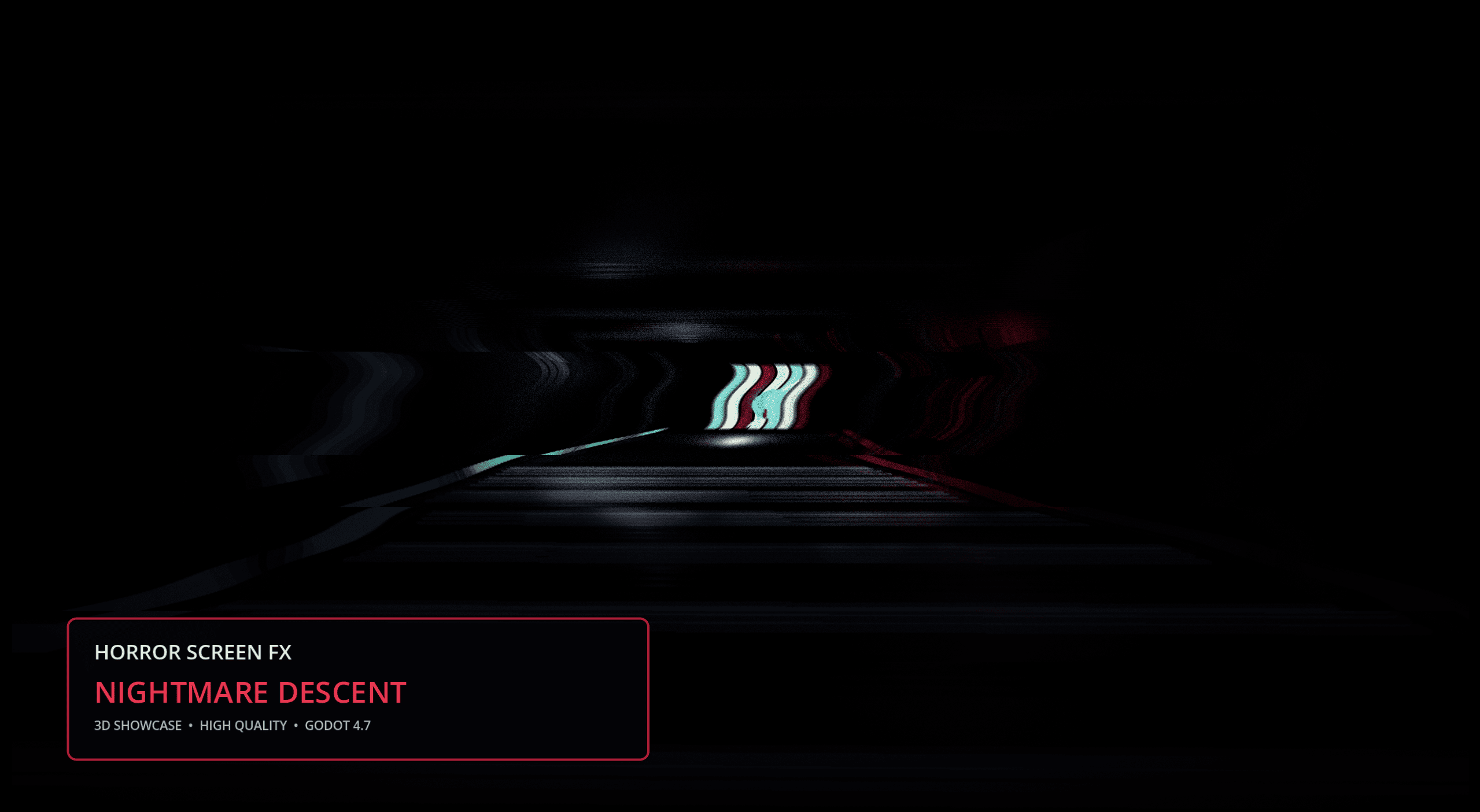
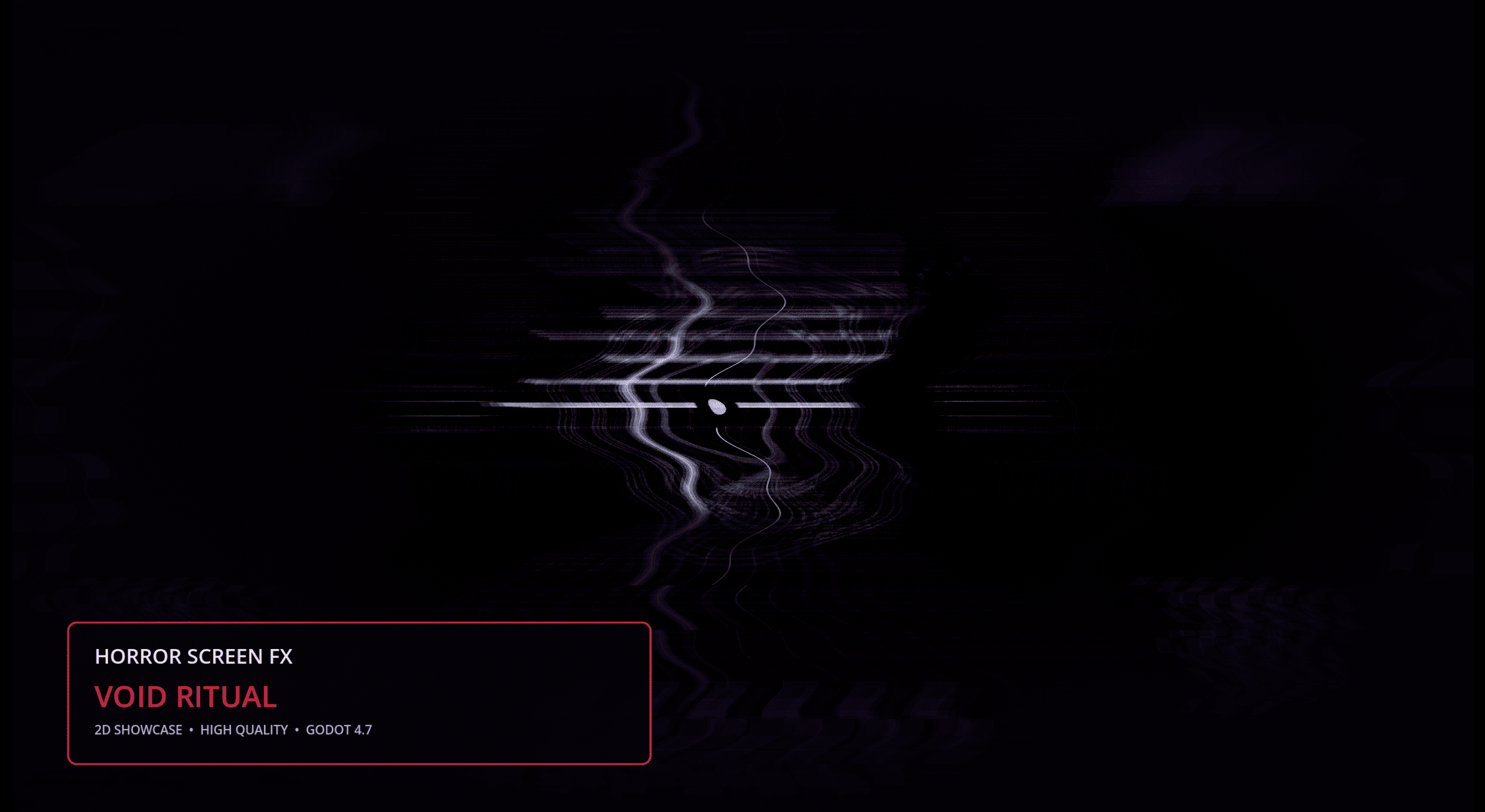
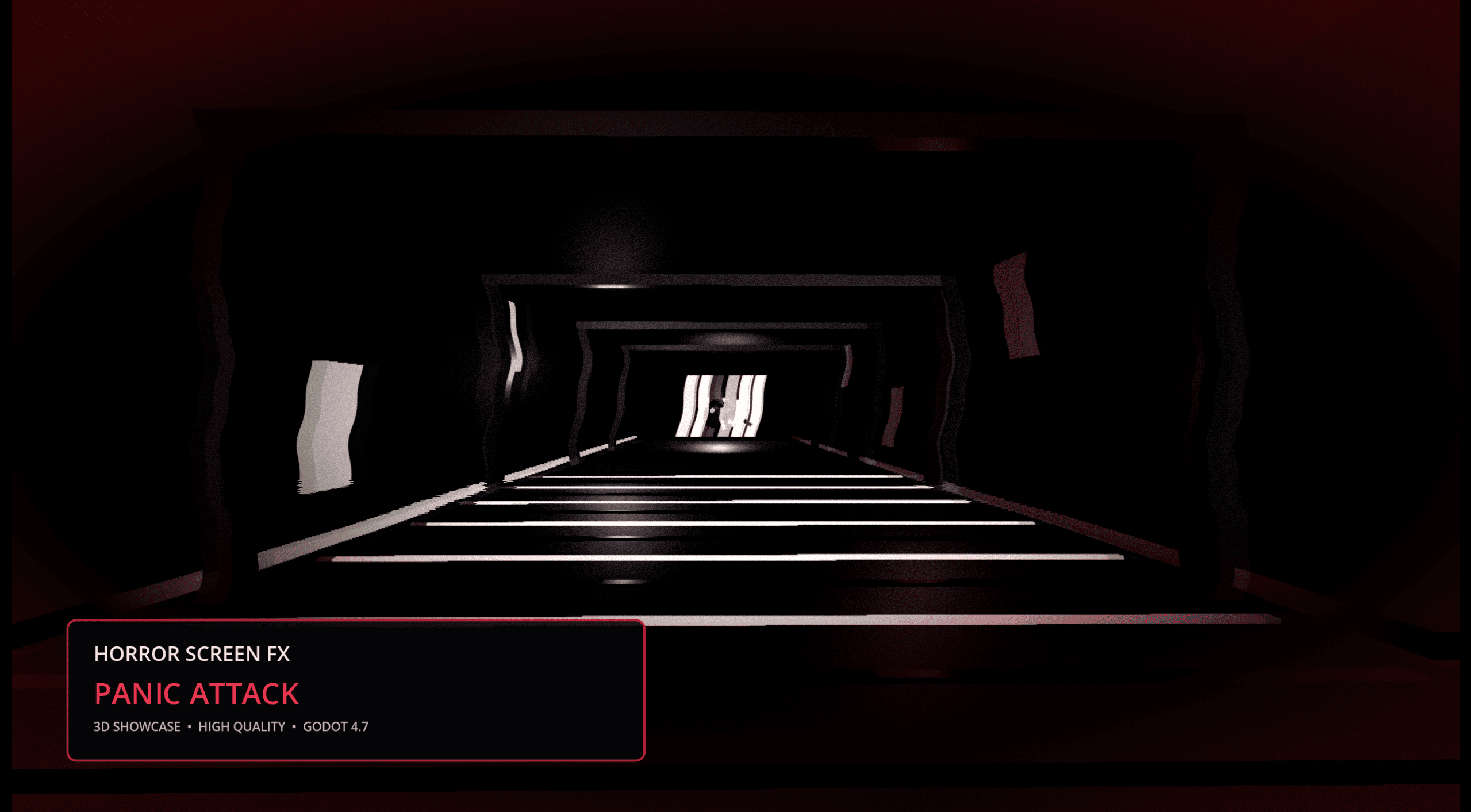
Create psychological horror visuals, paranormal interference, damaged camera effects, low-health feedback, glitches, signal instability and disturbing screen distortions without building every shader and control system from scratch.
The add-on works with both 2D and 3D projects and includes ready-to-use presets, runtime controls, example content and a simple GDScript API.
VERSION 1.0.0 – INITIAL RELEASE
HorrorScreenFX 1.0.0 introduces the complete foundation of the add-on, including its full-screen shader system, eight ready-to-use presets and runtime controls for horror gameplay.
Apply a complete visual preset instantly:
HorrorScreenFX.apply_preset("Possessed")
You can also control individual gameplay states such as fear, insanity, damage and signal loss directly from your scripts.
8 Ready-to-Use Presets
HorrorScreenFX includes eight original presets designed for different horror atmospheres and gameplay situations.
Each preset combines several screen effects into a complete visual style that can be applied immediately or used as a starting point for your own configuration.
The included presets cover visual styles such as:
- psychological distortion;
- paranormal interference;
- damaged signal effects;
- VHS-inspired visuals;
- fear and insanity feedback;
- heavy screen corruption;
- disturbed camera rendering;
- dark atmospheric effects.
Included Screen Effects
- Chromatic aberration
- Film grain
- Visual noise
- Scanlines
- Glitch distortion
- Horizontal interference
- Signal instability
- Vignette
- Desaturation
- Blur
- Color distortion
- Screen flashes
- Damage feedback
- Fear effects
- Insanity effects
- Blackout effects
- Signal loss effects
Gameplay-Driven Controls
HorrorScreenFX can be controlled directly from gameplay scripts.
Use the included runtime properties to connect the screen effects to player health, fear, sanity, danger, paranormal activity or environmental events.
Example:
HorrorScreenFX.set_fear(0.75)
HorrorScreenFX.set_insanity(0.50)
HorrorScreenFX.set_signal_loss(0.80)
HorrorScreenFX.trigger_damage()
Values can be changed gradually during gameplay to create progressive visual reactions.
Fear and Insanity Effects
Connect HorrorScreenFX to your own fear or sanity system to increase screen instability as the player becomes more vulnerable.
These controls can be used for:
- progressive psychological distortion;
- enemy proximity feedback;
- haunted locations;
- low-sanity gameplay;
- nightmare sequences;
- paranormal events.
Damage Feedback
Trigger immediate screen reactions when the player takes damage.
Damage feedback can combine flashes, distortion, blur, vignette and color changes to reinforce the impact without requiring a separate visual system.
HorrorScreenFX.trigger_damage()
Signal Loss and Blackout
Create unstable cameras, damaged video feeds, paranormal interruptions or complete signal failures.
Signal loss and blackout controls can be used for:
- security camera systems;
- found-footage sequences;
- television and monitor effects;
- paranormal encounters;
- scene transitions;
- temporary visual interruptions.
Global Intensity Control
Adjust the overall intensity of HorrorScreenFX without modifying every individual effect.
HorrorScreenFX.set_global_intensity(0.75)
This makes it possible to reuse the same preset with different strength levels depending on the gameplay situation.
Customizable Effects
Each screen effect can be configured independently.
You can:
- enable or disable individual effects;
- adjust effect intensity;
- modify visual parameters;
- combine several effects;
- create your own horror style;
- use the included presets as starting points.
Designed for 2D and 3D
HorrorScreenFX is a full-screen post-processing system suitable for:
- 2D horror games;
- 3D first-person horror games;
- third-person horror games;
- visual novels;
- psychological horror projects;
- found-footage experiences;
- paranormal exploration games;
- retro and analog-inspired horror games.
Easy Installation
- Download HorrorScreenFX_1.0.0.zip.
- Extract the included
addonsfolder into the root of your Godot project. - Open Project Settings → Plugins.
- Enable HorrorScreenFX.
The final installation path must be:
res://addons/horror_screen_fx/
Package Contents
- Complete HorrorScreenFX Godot add-on
- 8 ready-to-use visual presets
- Full-screen horror shader system
- Fear and insanity controls
- Damage feedback controls
- Signal loss controls
- Blackout controls
- Global intensity control
- 2D example content
- 3D example content
- Buyer documentation
- Installation guide
- API reference
- Changelog
Requirements
- Godot 4
- Compatible with 2D and 3D projects
- Basic knowledge of Godot scenes and GDScript is recommended
Current Version
HorrorScreenFX 1.0.0 – Initial Release
Important Information
The downloadable package contains the HorrorScreenFX add-on and its buyer documentation.
Promotional showcase, recording and marketing tools are internal production tools and are not included in the product package.
Some effects may include flashing lights, rapid visual changes or strong screen distortion. Developers should provide appropriate accessibility options when using intense effects in their games.
Purchase
In order to download this asset pack you must purchase it at or above the minimum price of $5.99 USD. You will get access to the following files:
Development log
- HorrorScreenFX for Godot 4.7 is now available18 hours ago
Leave a comment
Log in with itch.io to leave a comment.